

Save Money With Only One Headset
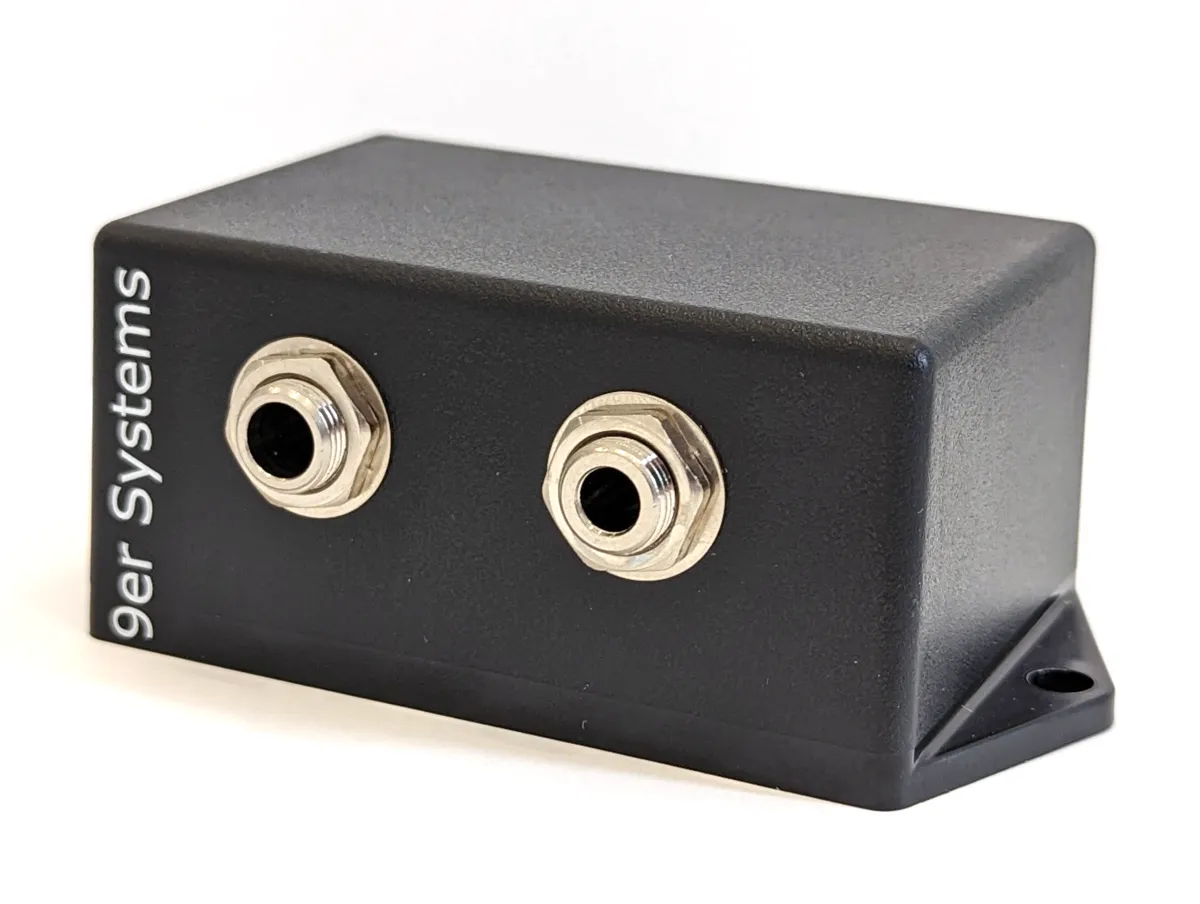
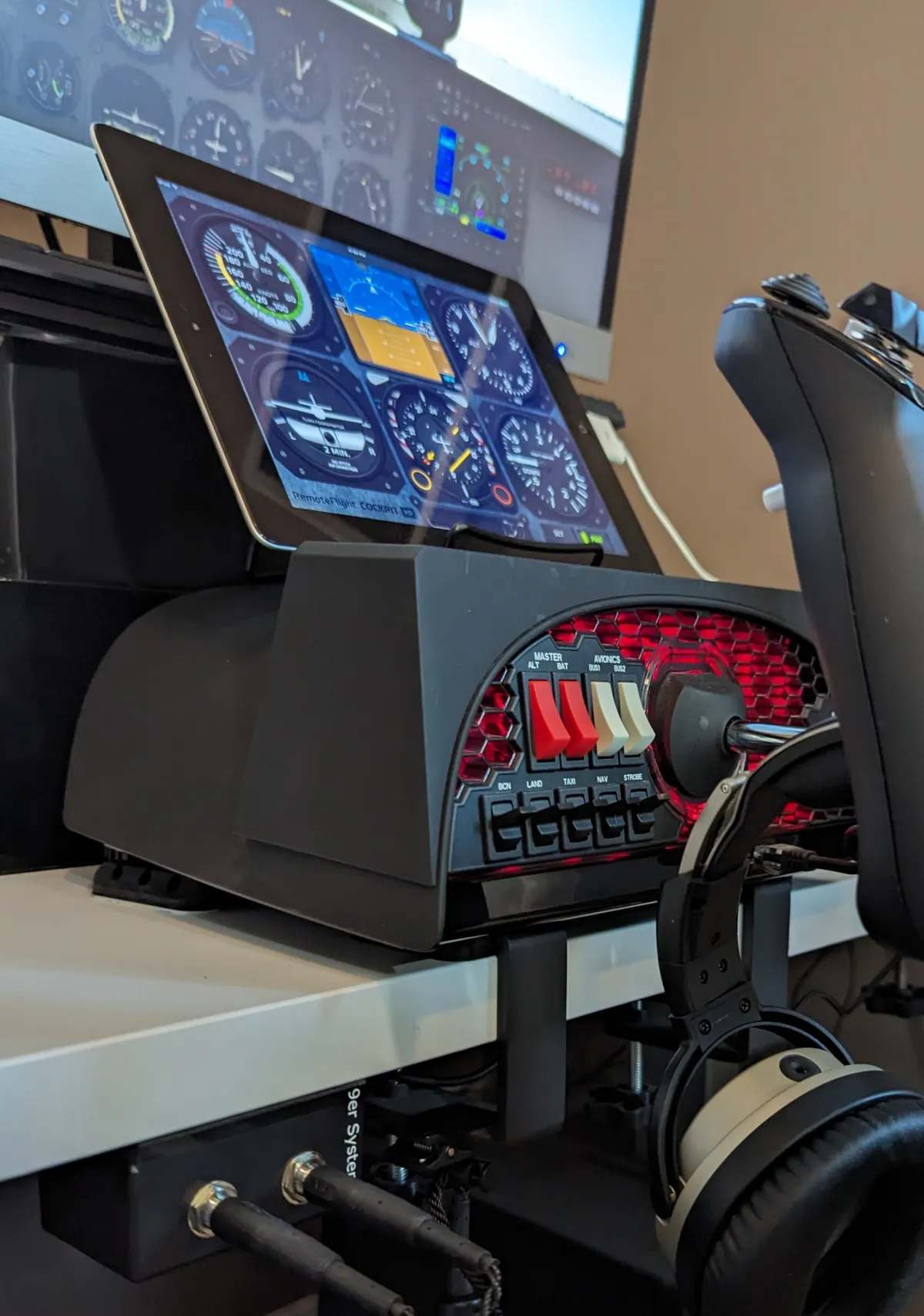
Why spend extra money on a gaming headset when you can get more familiar with the incredible (and expensive) headset you already have. Building a computer specific for your simulator? Forego the cost of both the sound card and second headset with this adapter and spend the extra on a better graphics card. Mount the adapter within easy reach — unlike competitive products that are more expensive and leave wires hanging around.
Also works with iPads / iPhones / Android Devices
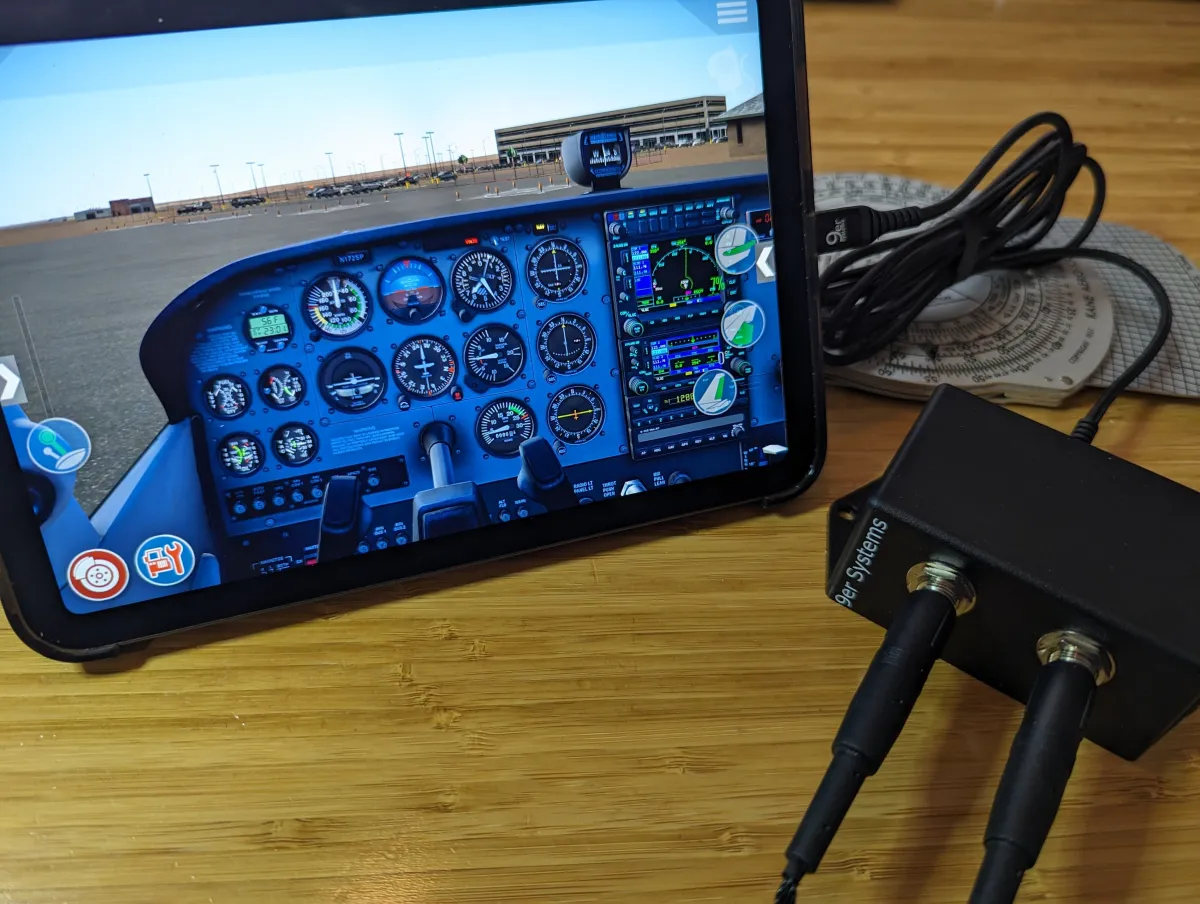
In addition to working with Mac, Windows, and Linux, we also work when connected to iPhones, iPads, and Android devices with USB Type C ports. Flying commercial, but taking your GA headset with you on vacation? You can use it for movies or games on the go. We know you are secretly hoping they also come over the intercom to ask: "Is there another pilot on board?" — so you'll be ready to go too.
Preflight Your Headset Configuration
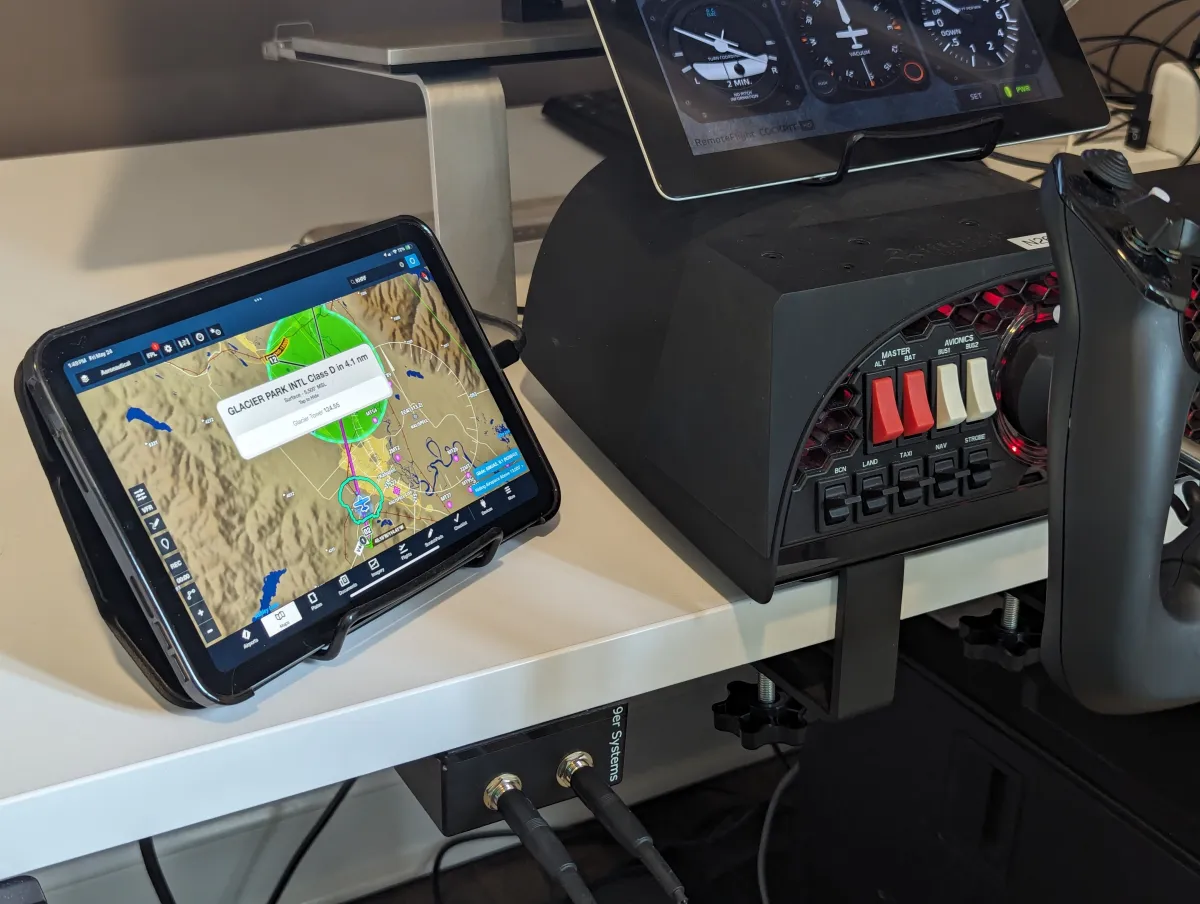
Everything has gotten more high tech, including your headset. Your preflight should start at home. Verify your bluetooth connections to your iPad and phone are correct, test notifications from ForeFlight are working, make sure your hours flying straight and level won't have you troubleshooting why your phone is not connecting, and of course practice on VatSim/IVAO/PilotEdge with your own headset.

Powered by USB
General Aviation headsets require power for the microphone to work. 9er Systems' USB2GA uses power from the USB port to supply the +12V phantom power (mic bias) aviation microphones need — without the need for batteries.

Engineered, Produced, and Supported in the USA
Designed, assembled, and supported in Knoxville, TN, with components manufactured in Asheville NC, Ohio, Illinois, and elsewhere in the USA. You spent a lot of money on your headset, you should feel confident that the devices you connect them to will keep them safe with high design and manufacturing standards.
Quality Assurance from the owners
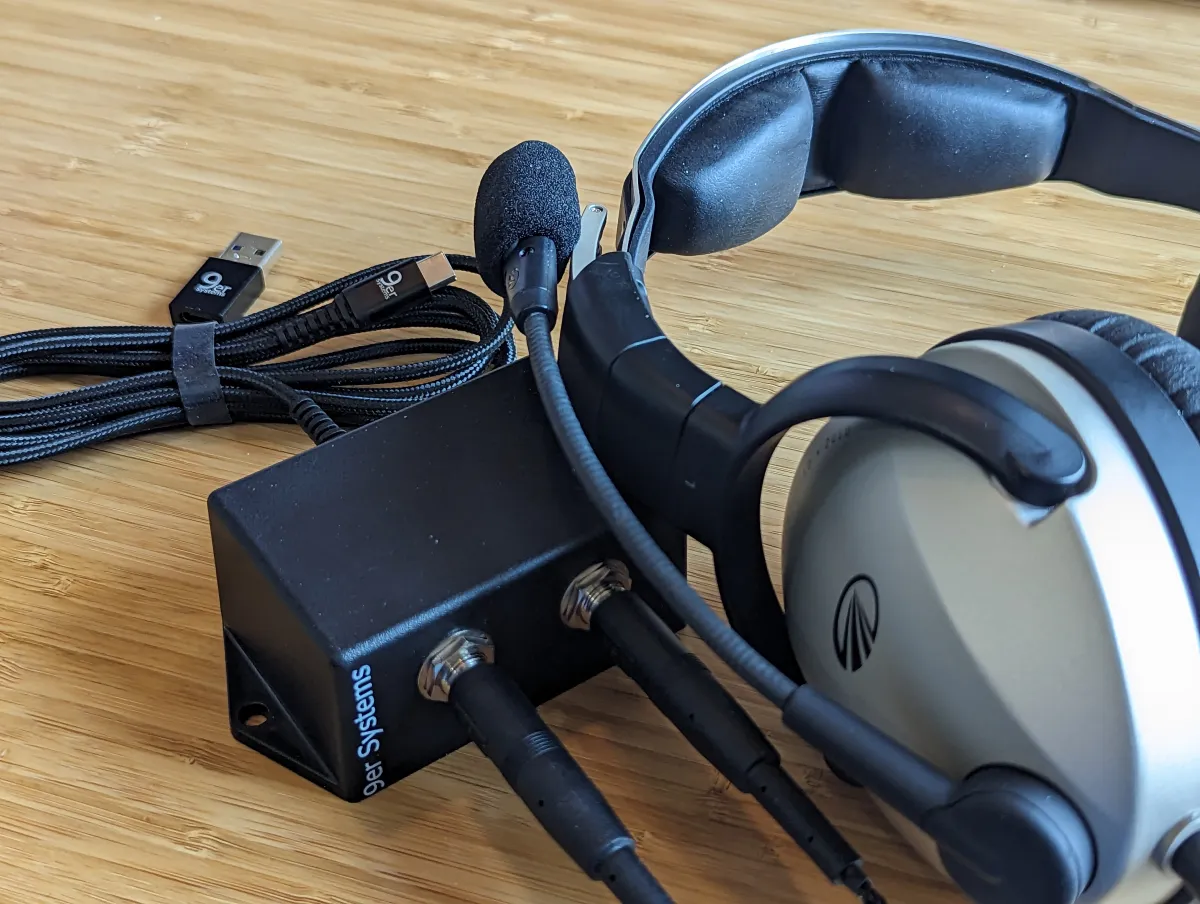
We test our adapters against a wide variety of GA headsets — old and new, ANR and passive. Pete uses his Bose A20 and Lightspeed Delta Zulu with the USB2GA daily. Whether you have ANR or not, the 9er Systems USB2GA device is safe and compatible.
What's Included?
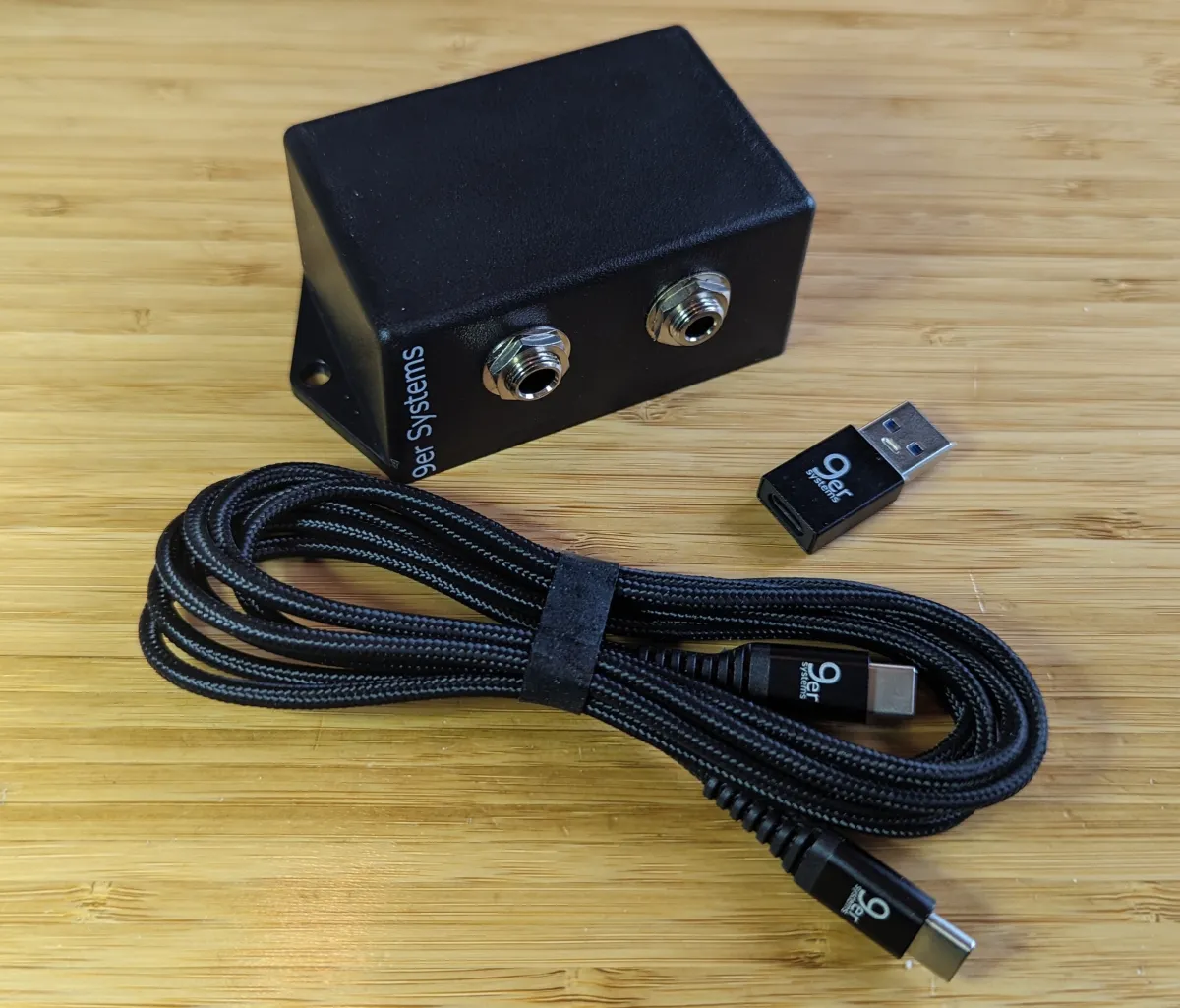
- The USB2GA adapter
- 6 ft USB Type C cable
- USB Type C to Type A adapter
- 2x3" 3M double-sided sticky pad
USB2GA at a Glance
9er Systems USB2GA Aviation Headset to USB Adapter — Connect your standard general aviation headset (PJ-068 / PJ-055 twin plugs) to a PC, Mac, iPad, or Android device over USB. Designed, assembled, and supported by 9er Systems in Knoxville, TN.
- What it connects
- General aviation headsets with standard twin plugs (PJ-055 headphone + PJ-068 mic) to a PC, Mac, Linux, iPad, iPhone, or Android device over USB-C (USB-A adapter included). Steps the USB 5V up to the +12V phantom voltage aviation electret mics need; no batteries.
- Who it’s for
- Student and private pilots and flight-sim users (X-Plane, MSFS, PilotEdge) who want to practice with the headset they fly with.
- Price
- $89.99 MSRP
- Where to buy
- Amazon, Aircraft Spruce
USB2GA Specifications
| Headset connector | GA dual plug — PJ-055 (0.25") headphone and PJ-068 (0.206") microphone jacks |
|---|---|
| Computer connection | USB-C (USB-A via the included adapter) |
| Microphone power | +12V phantom power (mic bias) for aviation electret microphones, generated from USB |
| Power | USB bus-powered — no batteries or wall adapter |
| Compatible devices | Windows 7 / 10 / 11, macOS, Linux (tested with Ubuntu and Raspberry Pi), iPhone / iPad with USB-C, Android with USB-C |
| Drivers | None — plug-and-play USB audio device |
| Works with | Microsoft Flight Simulator (MSFS), X-Plane, PilotEdge, VATSIM, IVAO, ForeFlight |
| Dimensions | 2 × 4 × 1.5 in |
| Weight | 4.5 oz |
| In the box | USB2GA adapter, 6 ft USB-C cable, USB-C to USB-A adapter, 3M VHB adhesive mounting pad |
| Warranty | 1 year |
| Origin | Designed, assembled, and supported in Knoxville, TN, USA — Buy American Act and TAA compliant |
USB2GA Reviews
Rated 4.3 out of 5 from 43 reviews on Amazon and Aircraft Spruce.
-
Easy to install in Win11, no drivers, works with VoiceMeeter so it can be used with apps such as Sayintentions or vPilot as an additional input source.
-
Fantastic item that works with my David Clark headset to allow PC use.
I was looking for an easy way to use my test flight David Clark headset with my PC because I really like the headset. This product allowed me to do that with ease and no issues. Sounds great and mic works great.
-
Put your old aviation headset back to work
I've been looking for something like this for a while. I love that it can be mounted under the desk. I have had a David Clark headset just lying around unused, this module works great with them. I had an issue with connectivity at first, but I just needed to clean the plugs on my headset; they were pretty badly oxidized. The audio is a bit low, but not unusable. Considering what aviation headsets are used for, this is not unreasonable. I mainly use these in Teams calls and I can hear everyone perfectly. Overall this was a great purchase that let me put my old and very expensive aviation headset back to work.
-
Great product, works perfectly!
-
General aviation headset adapter to PC use
So far works as expected, looks good quality. Delivery was fast 👍
-
Works!
Met my expectations.
-
Great product. No batteries needed. Made in USA
I wanted to use my 30 year old GA headset with my PC. I have a Pilot Avionics PA11-40 headset. Ordered this adapter & it shipped the next day. Came with USB-C to USB adapter which is nice. Also came with optional adhesive pad to make mounting easy. You can also use screws. I mounted this under my desk, so it is out of the way. I plug in my headset into the ports and can use my headset for my audio in & out on my pc. I can game with my sons. They say my voice quality is clear playing Halo :) I can use it to do YouTube and flight simulator.
Great solution. No battery needed. Thank you for developing this. Exactly what I needed. Bonus that it is designed and made in the USA.
Read all reviews on Aircraft Spruce and Amazon.
USB2GA Questions
- Why won't my aviation headset microphone work on my computer?
- General aviation headset microphones are electret mics that need roughly 8–16V of phantom power (often called mic bias) — the aircraft's audio panel normally supplies it. A computer's mic input only provides about 5V, so the mic stays silent or barely works even with a plug adapter. A powered USB adapter such as the 9er Systems USB2GA or USB2Lemo generates +12V from the USB port and feeds it to the mic.
- Will the USB2GA or USB2Lemo work with my aviation headset?
- Almost certainly, if it's a modern general aviation headset with GA dual plugs (USB2GA) or a 6-pin Lemo plug (USB2Lemo). We test against a wide range of GA headsets — old and new, ANR and passive — including the Bose A20, Lightspeed Delta Zulu, Lightspeed Zulu 3, and 1990s-era FlightCom headsets. Military headsets have very different specifications and are untested.
- Do you make an adapter for helicopter (U-174) or XLR (Airbus) headsets?
- Not currently. We make adapters for GA dual-plug headsets (USB2GA) and 6-pin Lemo headsets (USB2Lemo). Helicopter U-174 and XLR (Airbus) headsets would need a separate plug adapter to GA dual plugs.
- Does the adapter need batteries?
- No. The USB2GA and USB2Lemo get all the power they need from the USB port they're plugged into, including the +12V phantom power for your headset's microphone. If your headset has ANR or Bluetooth, those features still run on the headset's own batteries.
- Does it work with an iPad, iPhone, or Android device?
- Yes — with any iPhone, iPad, or Android device that has a USB-C port, plus Windows, macOS, and Linux computers. It's a plug-and-play USB audio device, so there's nothing to install.
- Which flight simulators and apps does it work with?
- Any simulator or app that can use a USB headset — including Microsoft Flight Simulator (MSFS), X-Plane, PilotEdge, VATSIM, IVAO, and ForeFlight. The adapter appears as a standard USB audio device, so you select it as your speaker and microphone like any other headset.
- How do I hear my own voice (sidetone) in my headset?
- Install the free USB2x Toolbar app for Mac or Windows. It turns on sidetone in one click, can use voice-activated VOX so the headset stays silent until you speak, and lets you set mic and speaker levels separately. Adapters sold before May 1, 2026 may not support sidetone.
- Can I connect two adapters to one computer?
- Maybe. Each adapter shows up as its own sound card ("9er Systems USB2GA Adapter"), and computers handle multiple sound cards fine — but most programs only use one at a time. If your simulator supports multiple audio devices, it should work.
- Why is the adapter a mountable box instead of a cable?
- So you can mount it — under your desk or on the side of a yoke — and plug your headset in and out without holding the adapter or chasing wires. It's small enough to travel with a laptop, but big enough to be a sturdy mounting point. A 3M adhesive pad is included.

Get the free USB2x Toolbar app
Pair your USB2GA with our free desktop app for Mac and Windows. Enable sidetone in one tap, let VOX automatically open and close your sidetone with your voice, and adjust input and output levels — all from your computer's toolbar.